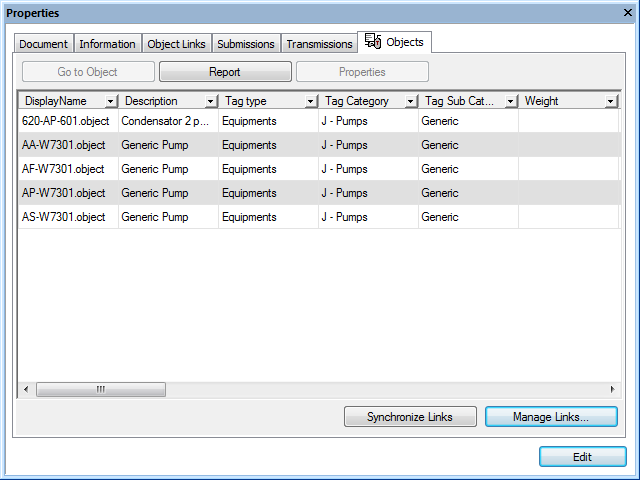
Tags that are already linked to a selected document or tag appear on the Tags page similar to the following figure. The tag information appears in tabular format so that you can easily identify many tags.
To sort the tags:
To filter the tags by property values:
 in the column header by which you want to filter the tags and then select a predefined filter from the list that appears. You may select filters in multiple columns. To clear a filter, select the All filter.
To view linked tag information in property pages instead of tabular format:
Related tasks
Building a report of linked objects
Unlinking objects from a document